




Herospin App
Our platform does not make players wait for a large casino download. The Herospin App mobile version opens straight in the browser and lets users create a home screen shortcut on Android or iOS. This shortcut works like a quick door back to Hero Spin Casino. You can always know that your account stays connected to the same wallet, sportsbook, and game lobby. Users can check a live betting market or open live chat from a phone without changing the main profile.



Herospin Mobile Casino
The Hero Spin app keeps the screen focused on play instead of making users search through crowded pages. The compact layout makes game cards, promo banners, and account buttons easy to spot on a smaller display. Players can scroll through the lobby and manage finances with simple taps. The PWA format also adds practical safety benefits that a standard download cannot give.
- Limited device access: The mobile site is in your browser. It does not need broad access to phone data, contacts, or local files.
- No installer file: No need to download APKs or third-party packages. This helps customers avoid fake casino files and risky installations.
- Encrypted connection: The mobile site uses HTTPS, so account and financial data are transmitted through an encrypted connection.
- Fresh version by default: Browser access keeps the site version current. Players do not need to install a new app build after each update.
Mobile Access to the Herospin App for Android
Android players can use Herospin Casino through Chrome with a layout that fits tap-based navigation. The game cards open cleanly on a smaller screen, and the bottom browser controls leave enough space to read rules, check odds, or move through account pages without zooming.
The Android shortcut is useful for members who return often, because it places Herospin beside other phone apps. After the icon appears on the home screen, the site opens in the same browser-based format and keeps users connected to the original profile.
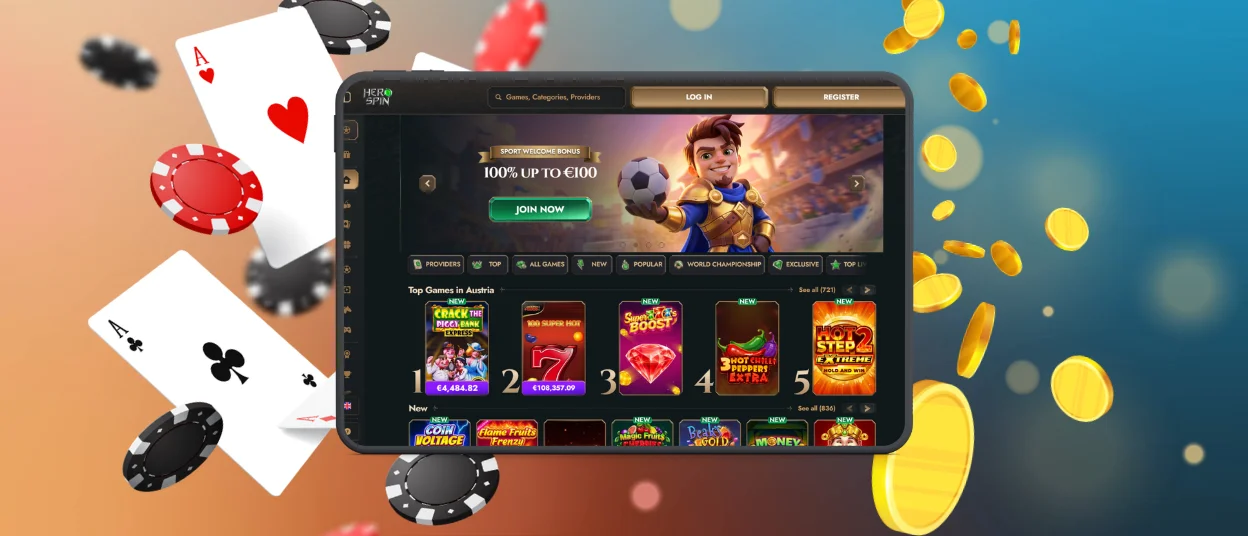
Mobile Access for iOS
The casino opens on iPhone and iPad through Safari when the player profile is connected to the same account used on other devices. iOS users can save Shortcut feature the site to the home screen through the browser menu:
- Tap the icon with a right-pointing arrow coming out of a box to open the menu.
- Scroll down in the opened menu and tap “Add to Home Screen.”
- Enter or confirm the shortcut name, then let the browser add the icon to the home screen.
After setup, the icon opens Hero Spin Casino directly from the iOS home screen. This gives players a quicker route back to the mobile lobby, while the account, cashier, and security settings remain tied to the original profile.
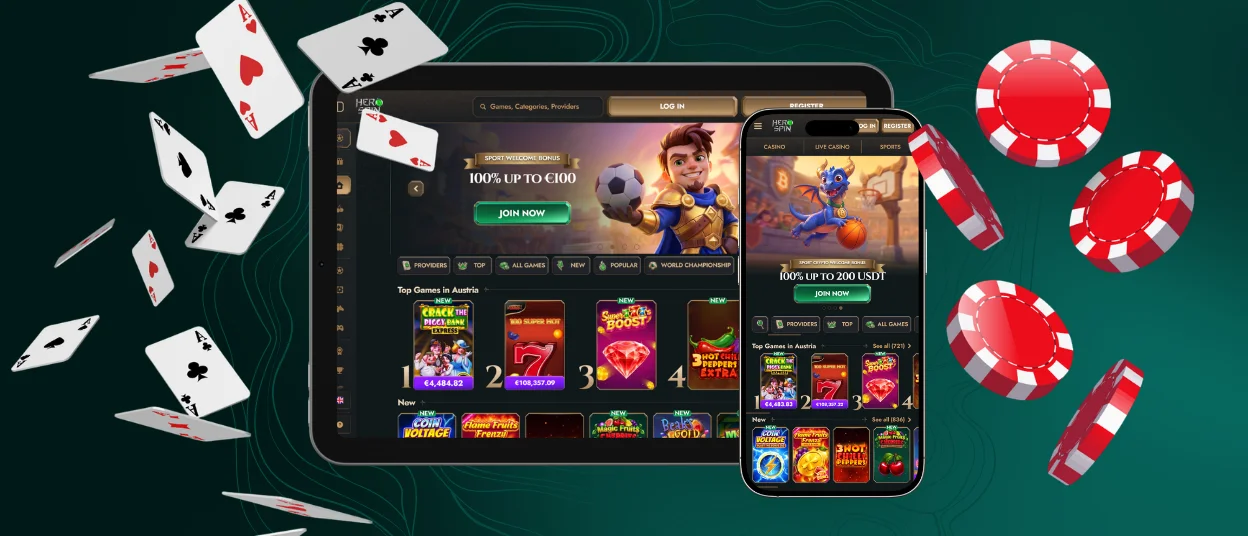
Herospin App on Windows and macOS
The website works splendidly on Windows and macOS, where the wider screen gives players more space to scan the lobby. Desktop access is useful when a user wants to compare game cards, keep a live casino table open, or read bonus terms without heavy scrolling. The cashier also feels clearer on a larger display, because payment steps and account details have more room on the page.
Customers just sign in from their preferred browser and continue with the same Herospin account used on mobile. Wallet activity, active offers, and profile settings stay connected to one account, so switching from phone to desktop does not create a separate player area. Regular users can also save the Herospin app as a desktop shortcut when they want faster access from Windows or macOS.
Why Use Herospin on Mobile?
Mobile play at Herospin is built for short actions and quick checks, not only for long casino sessions. Players can open a game card, confirm a cashier step, or check Live Chat while staying on the same compact screen. Here is what you get when you use the app:
| Feature | What It Means |
| Instant Access | The site opens in a mobile browser, so players can sign in from their phone without a separate download. |
| Mobile Lobby | The mobile lobby keeps game cards, promo banners, and account buttons visible on smaller screens. |
| Account Tools | The mobile version gives access to the cashier, profile area, active offers, and responsible gaming options. |
| Security | Herospin supports 2FA for more secure account access. TLS 1.3 Encryption |
| Compatibility | The platform works through modern mobile browsers on Android and iOS. |
| Internet Connection | A steady connection helps the mobile site to load casino games, live tables, and cashier pages without interruption. |
Device Compatibility
Herospin adjusts to the screen a player chooses, so the same platform can support fast phone checks, wider tablet browsing, and full desktop sessions. The layout puts key actions in sight on smaller screens, and larger screens offer more space for live play, payment forms and detailed offer pages.
- Smartphones: Use a phone when you only need a quick login, a short game round, or a fast account check.
- Tablets: A tablet gives the lobby more space. Game cards and promo blocks are easier to look through before you open one.
- Desktop devices: Windows and macOS are better when the session is longer, especially for live tables or cashier actions.
- Internet connection: Have a stable internet connection, especially if you will be playing live dealer video, payment forms and odds that change during play.
When players switch devices, Herospin App protects their account access and payment areas. Security tools watch for suspicious activity, and the connection is protected with ECDHE and RSA-2048 during login and profile changes.

FAQ
Does the Herospin app need manual updates?
No, the PWA updates through the browser, so players do not need to download a new app version. This helps users open the latest website version when they return from the home-screen shortcut.
Will the Hero Spin app take much storage on my device?
No, Herospin Casino does not require a large APK or app package. Players add a shortcut to the home screen, while the casino still runs through the mobile browser.
Can I use all Herospin games after adding the app icon?
Yes, the home-screen icon opens the same website. Players can access all their favorite games and the account area after signing in.


